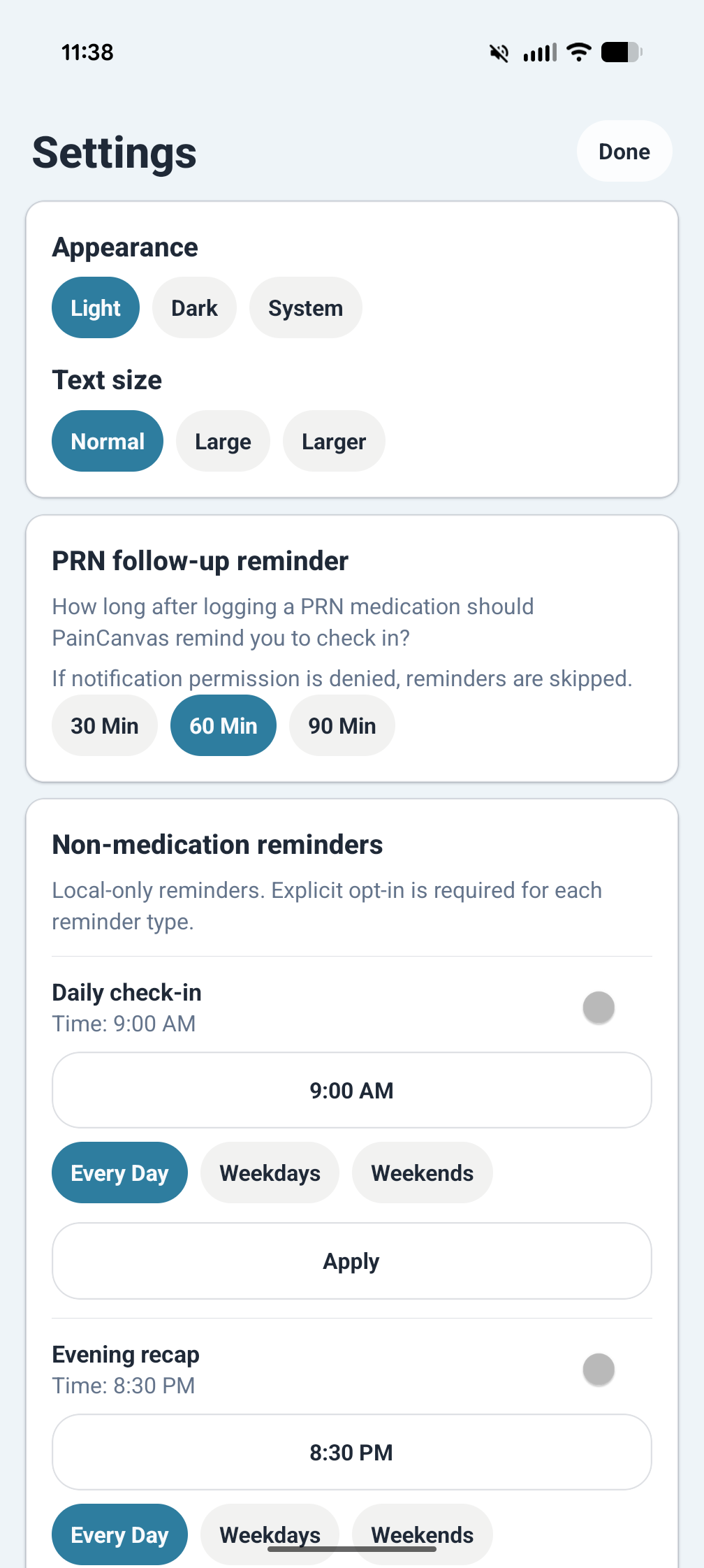
Home Base
Dashboard
Start on a summary screen that keeps today's entries, recent activity, reminders, flare status, and quick actions in one place.
Private Pain Tracking
PainCanvas is a mobile app for recording symptoms, medication activity, flare timelines, notes, reminders, and optional weather context. It is designed for straightforward daily use and keeps records primarily on your device.
These captures show how PainCanvas is organized around quick daily logging, medication tracking, reviewable history, and longer-range pattern spotting.
Start on a summary screen that keeps today's entries, recent activity, reminders, flare status, and quick actions in one place.
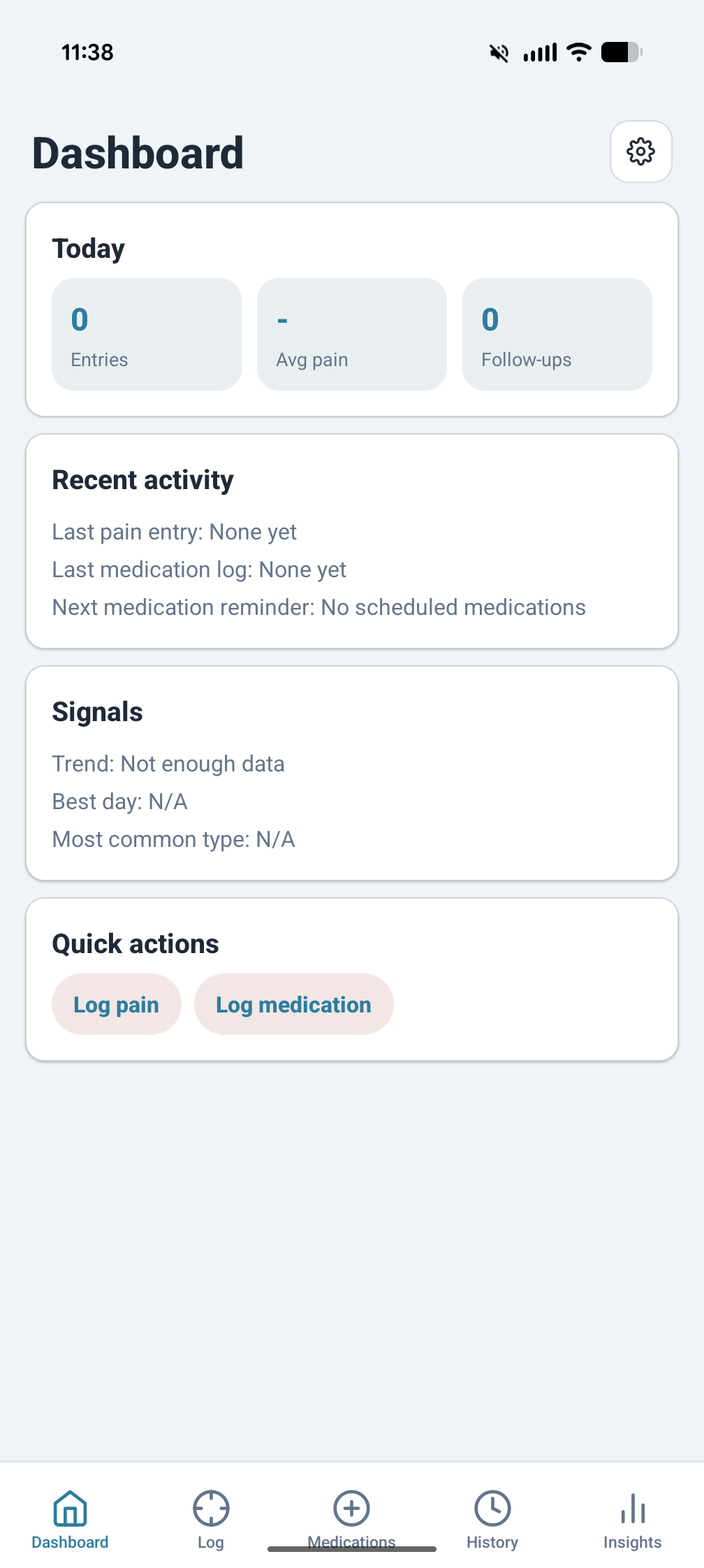
Mark affected areas directly on the front or back body map so each pain entry records location as well as severity.
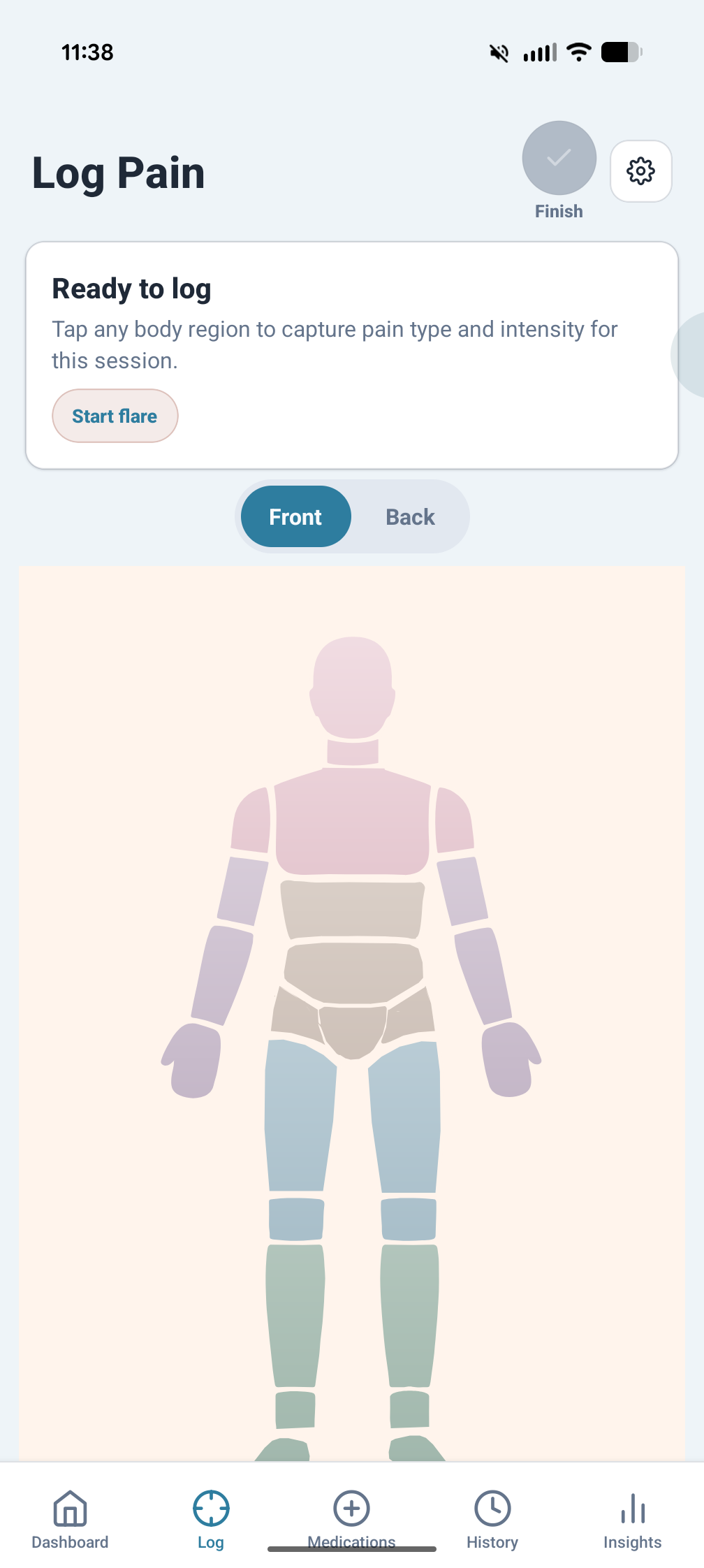
Add context alongside the score: factors, notes, tags, and other details that make individual entries more useful later.
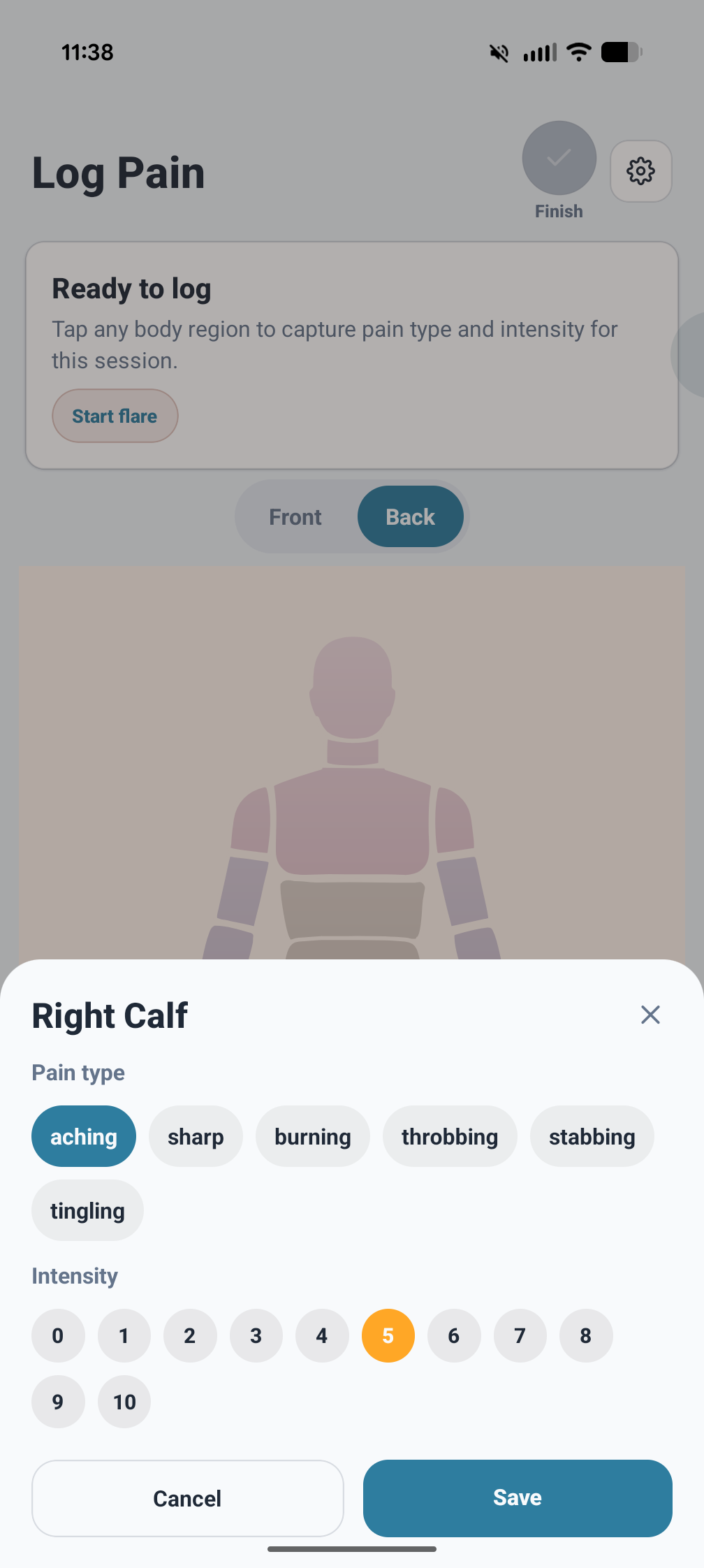
Keep scheduled and as-needed medications in the same workflow, with dose logging and follow-up activity tied back to your records.
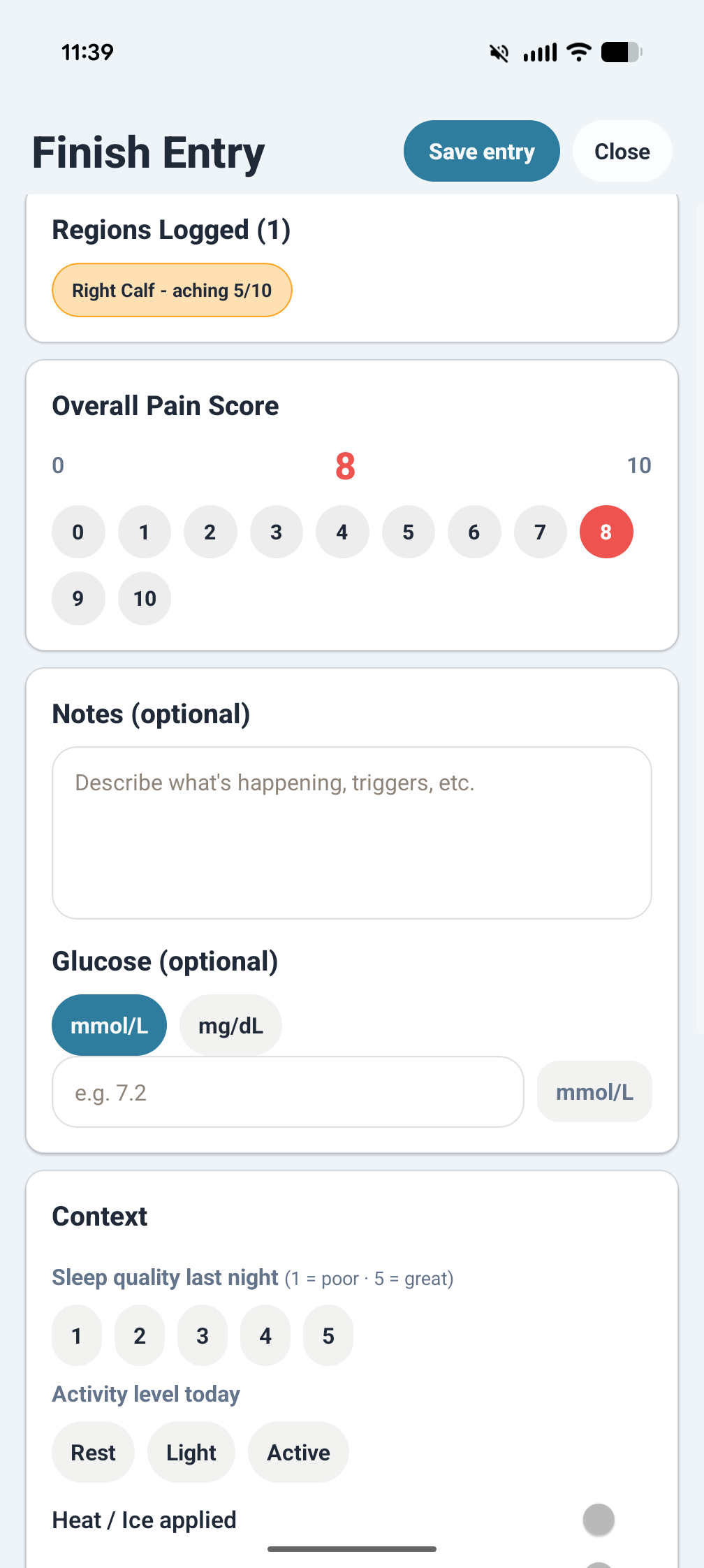
Browse entries over time, reopen details, and keep symptom history readable instead of scattered across notes and messages.
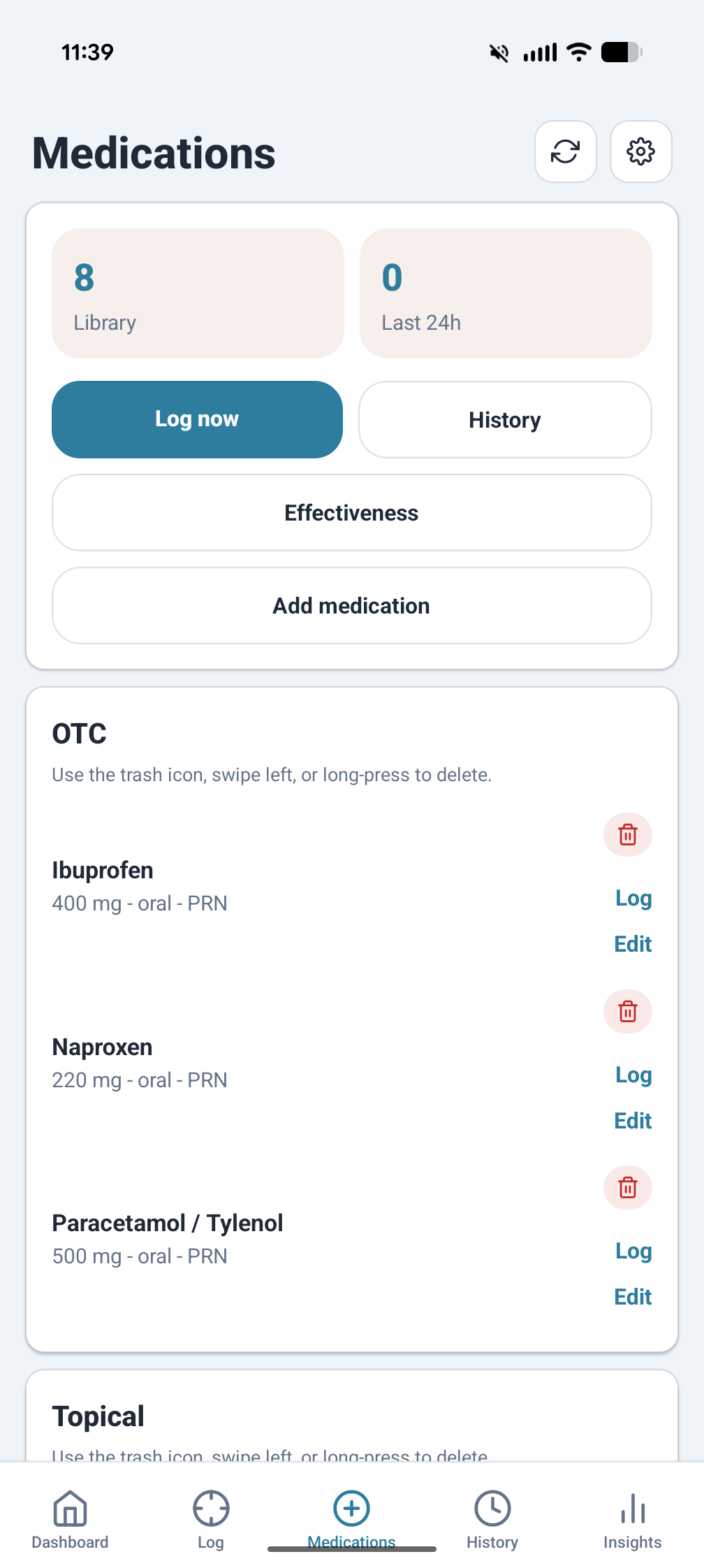
Use charts and summaries to review trends, compare periods, and look for recurring links between pain, medication, and context.
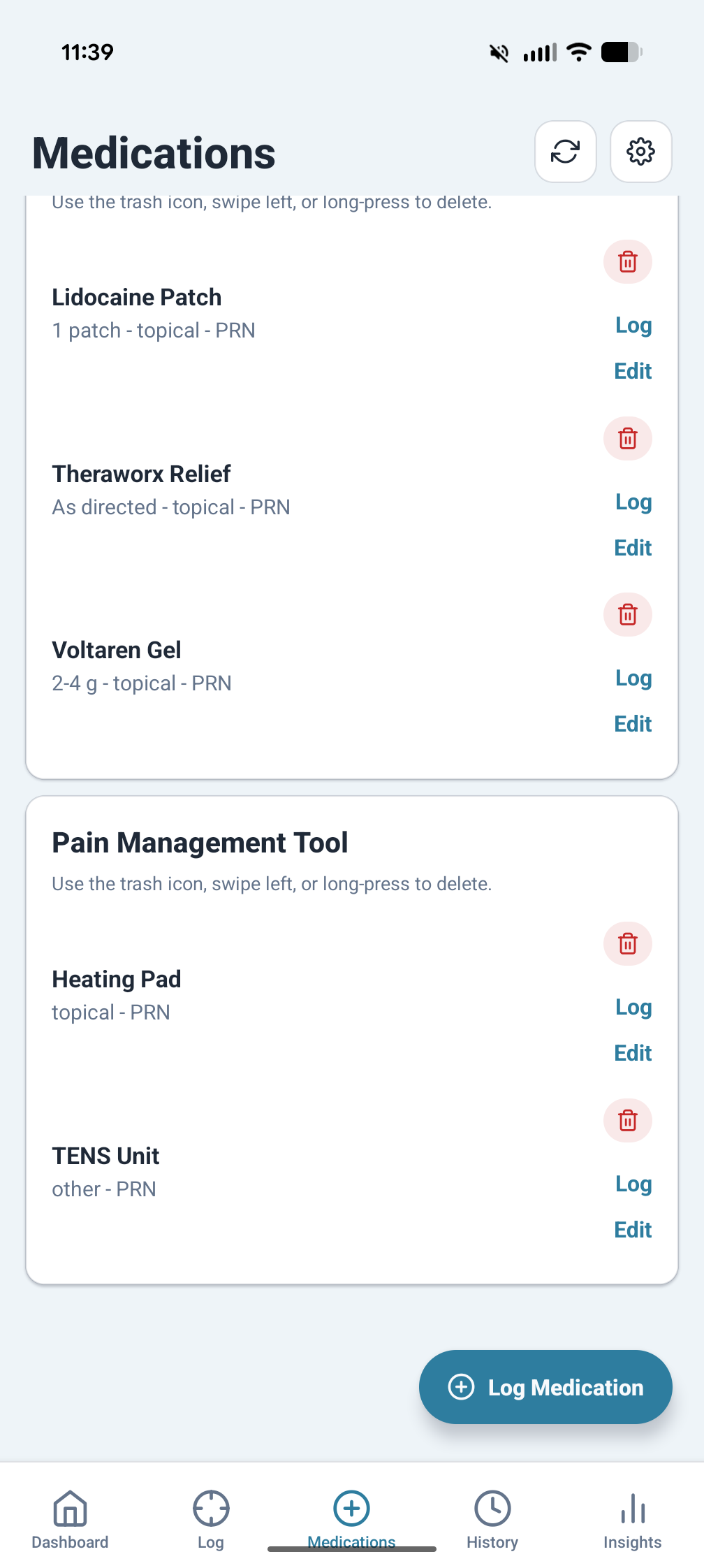
Open breakdown views to inspect a specific day, medication, factor, body region, or insight instead of stopping at a headline number.
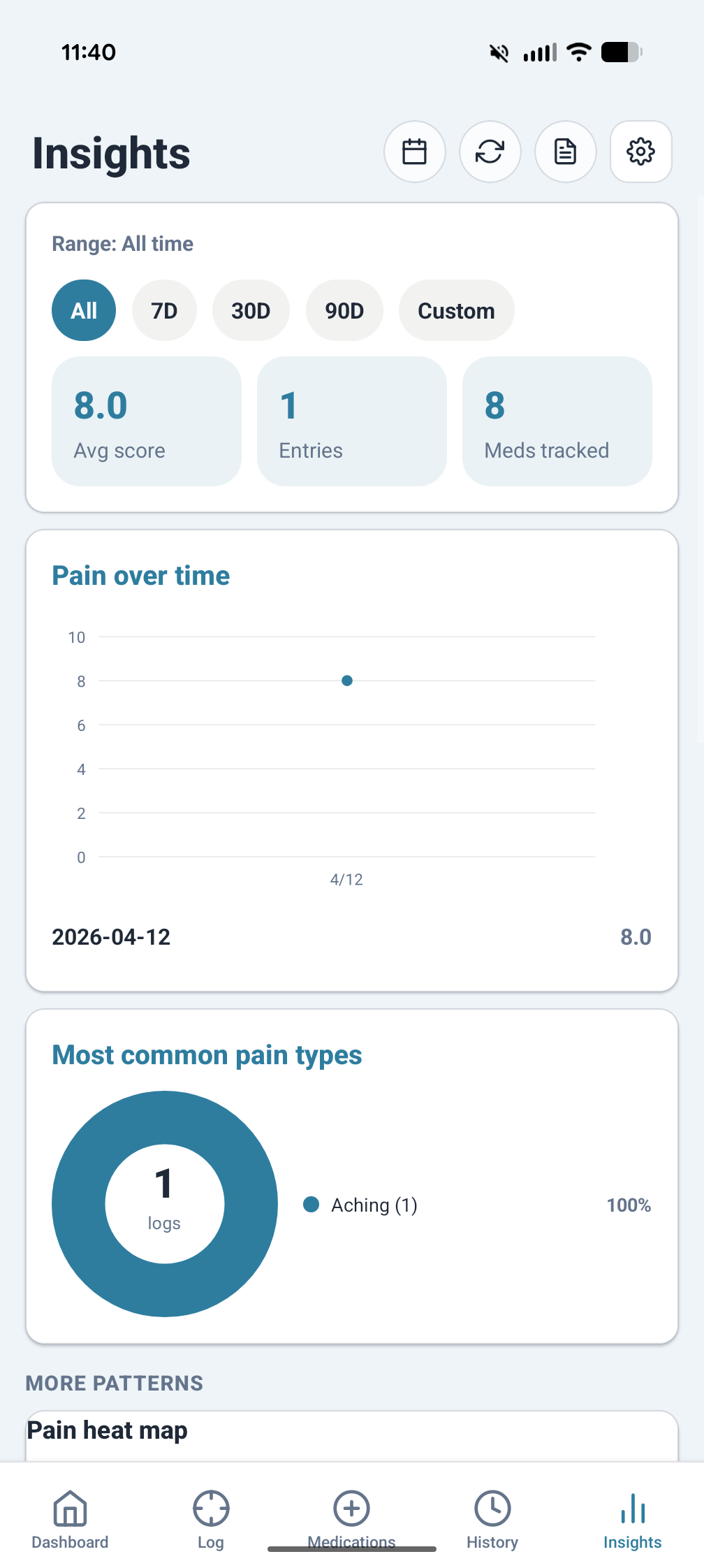
Generate exports when you need to review or share records elsewhere, without requiring a built-in account or permanent sync service.
Log pain entries with severity, location, factors, tags, and notes. Capture medication events and keep a clearer record of what happened and when.
Use reminders, flare tracking, and structured timelines to keep recurring symptoms and treatment patterns from dissolving into scattered memory.
PainCanvas is designed around local storage. For the baseline policy covering data handling, notifications, exports, and location-based weather, read the privacy page.