About PainCanvas
A focused pain journal built for real daily use
PainCanvas is a mobile app designed for people who need to track chronic pain, medication activity, flare episodes, and related context over time without handing their health data to a cloud service to do it.
All records are stored locally on your device. The app does not require an account, does not embed third-party analytics, and does not sync health data externally. When you want to share or review your data, you export it yourself.
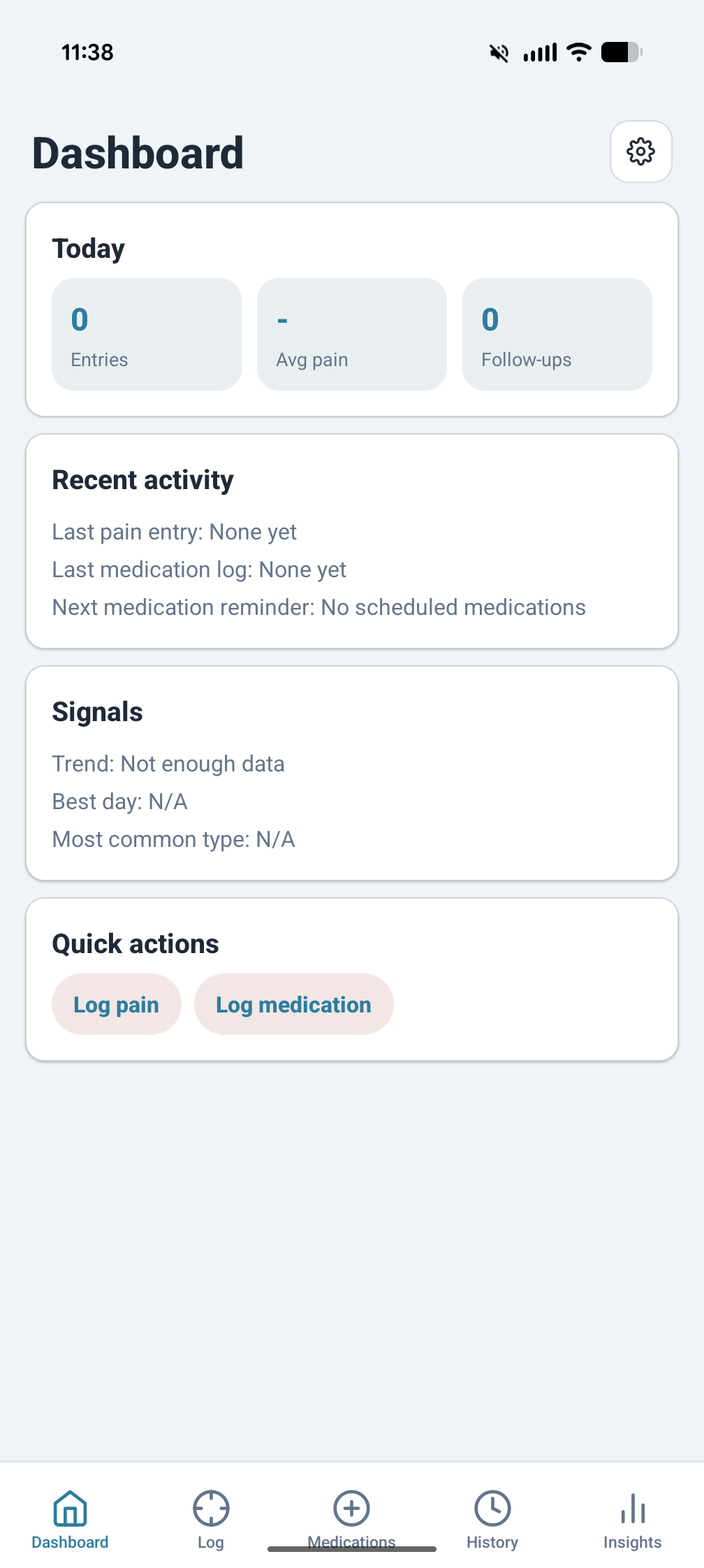
The app opens on a practical summary screen instead of a marketing shell or account dashboard.
Pain Logging
Log what happened, not just how bad it felt
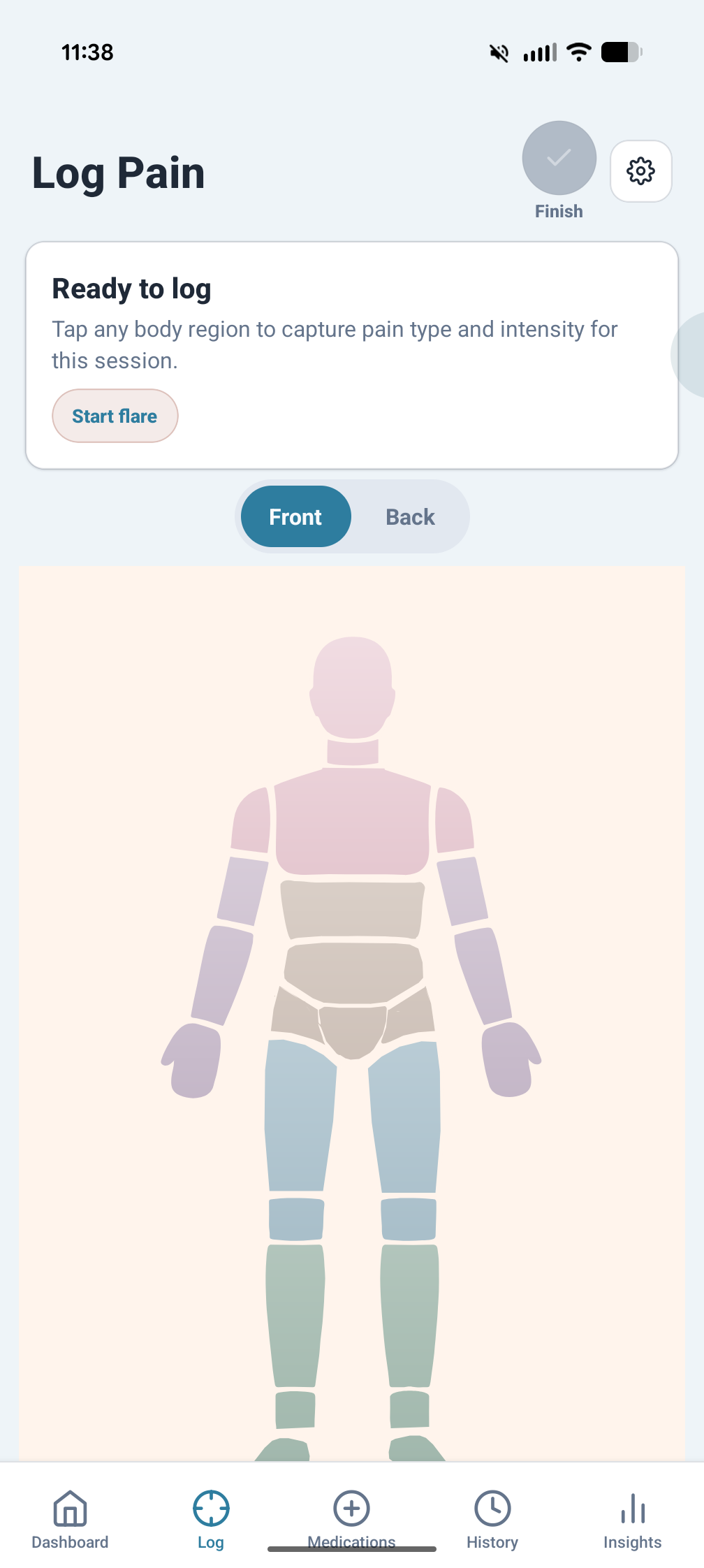
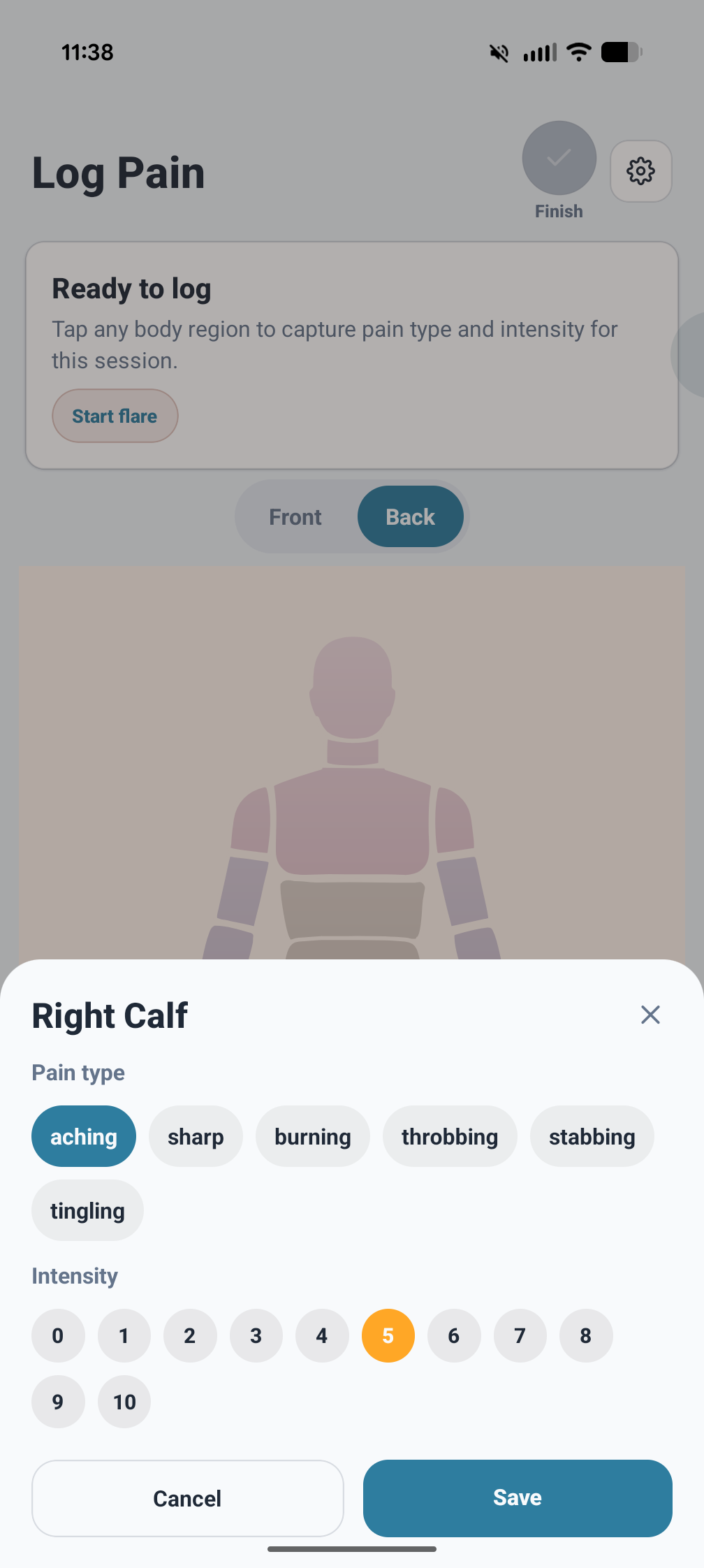
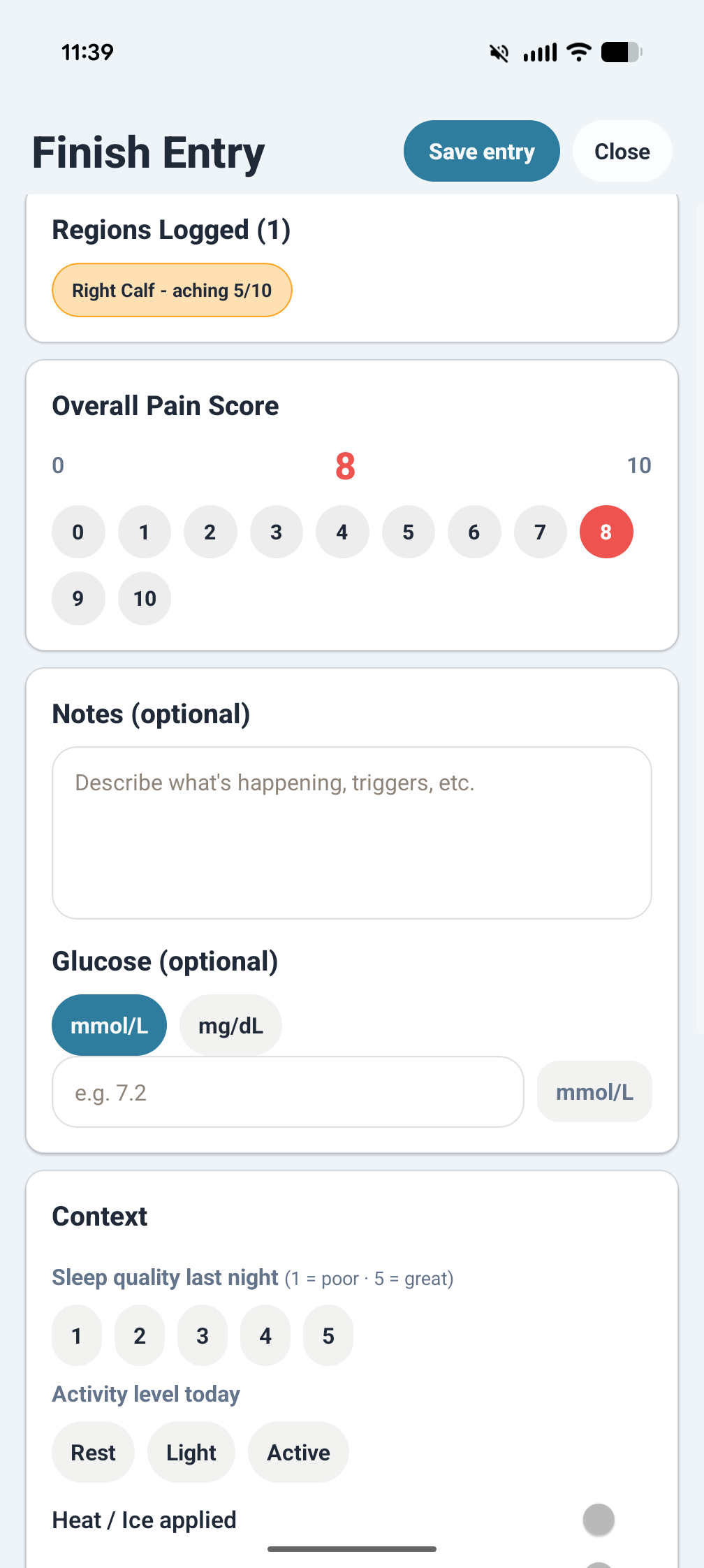
Each entry captures pain severity on a structured scale, affected body regions on a front and back body map, contributing factors, free-form tags, and notes. You can associate a medication event directly with an entry so treatment context stays close to the symptom record.
- Body-region selection on front and back maps
- Structured entry details beyond a single pain number
- Notes, tags, and factors for recurring situations
- Optional weather snapshot, auto-filled via US National Weather Service or entered manually
- Designed to make later review more useful
Medications
Scheduled and as-needed medication tracking
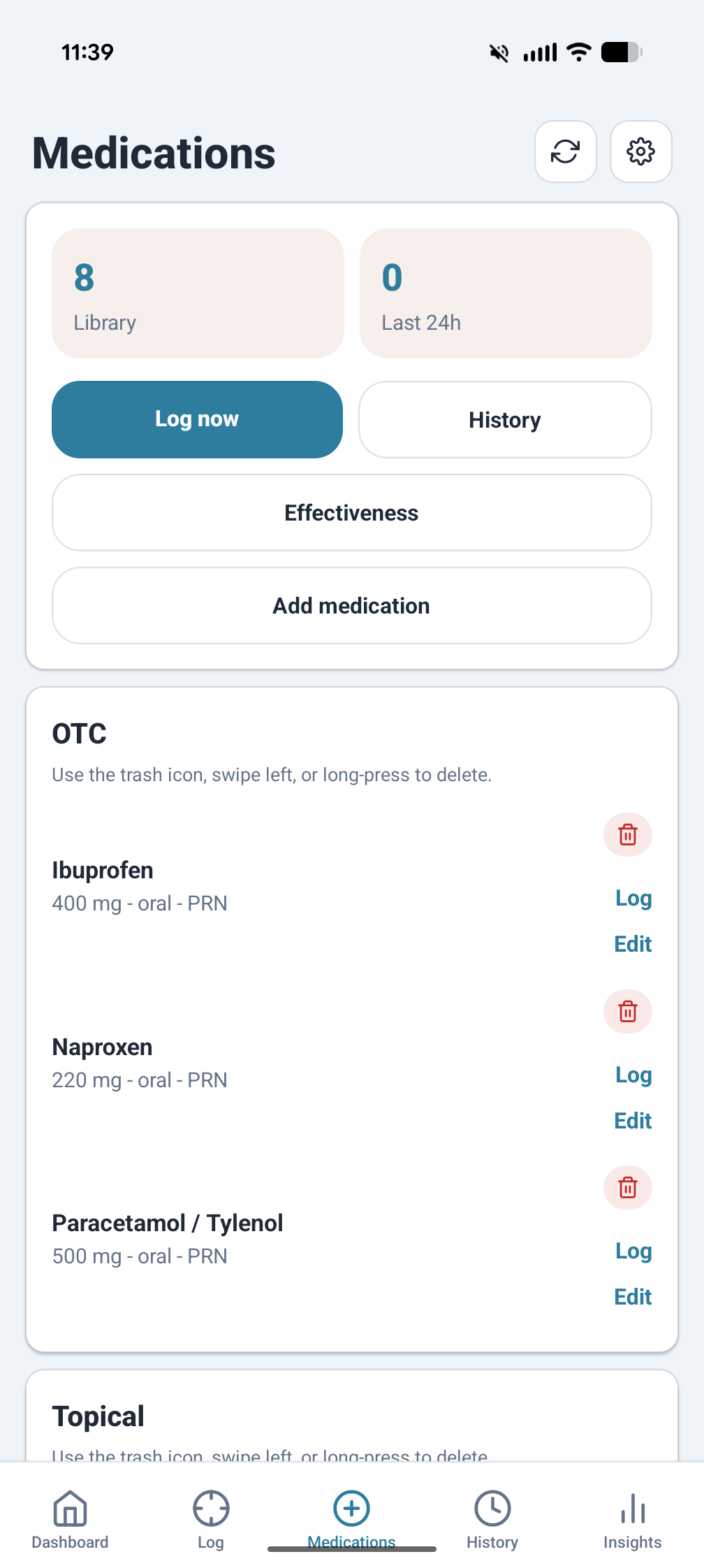
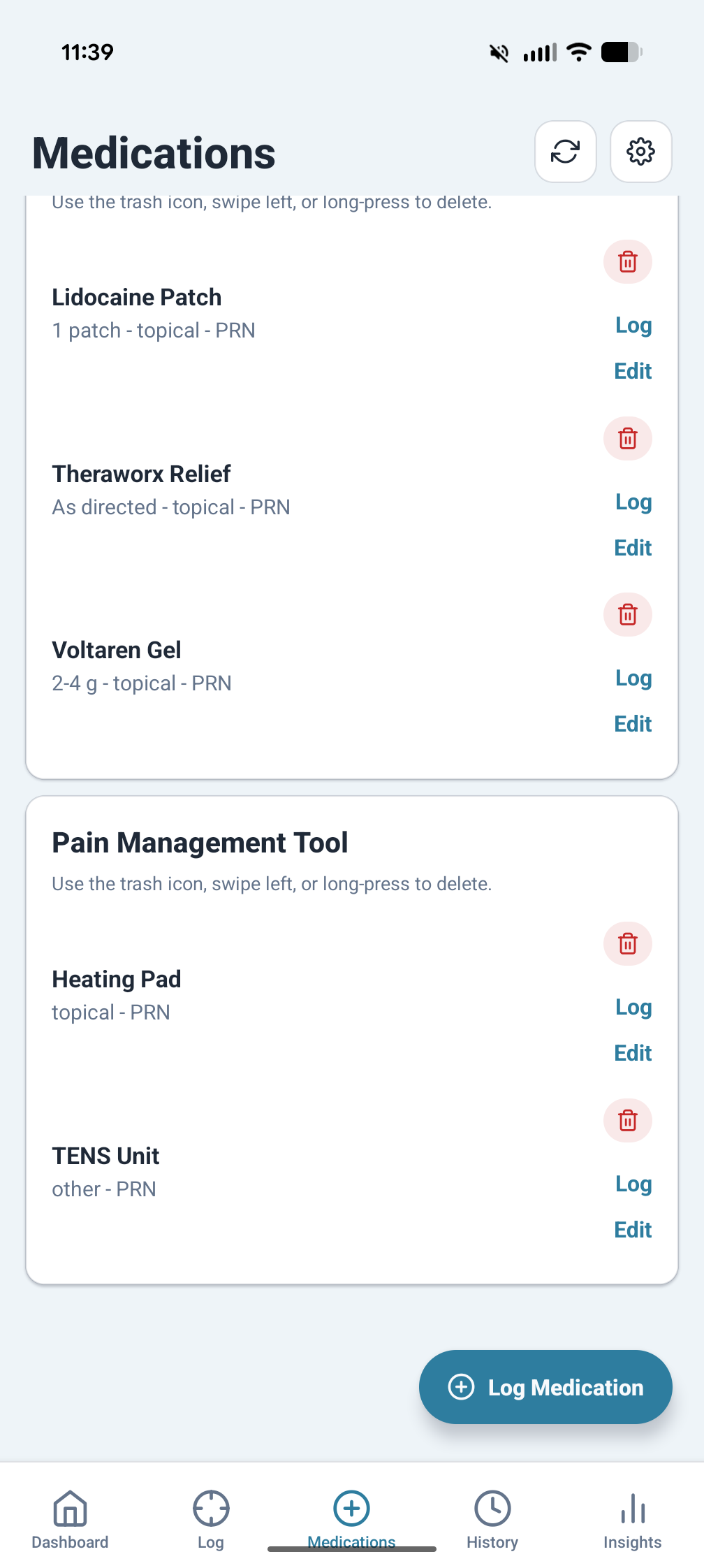
Add medications as scheduled or as-needed, log each dose with a timestamp, and keep medication activity connected to symptom entries. That makes it easier to look back and understand what happened before and after a change.
- Scheduled reminders and repeat routines
- As needed logging for PRN medications
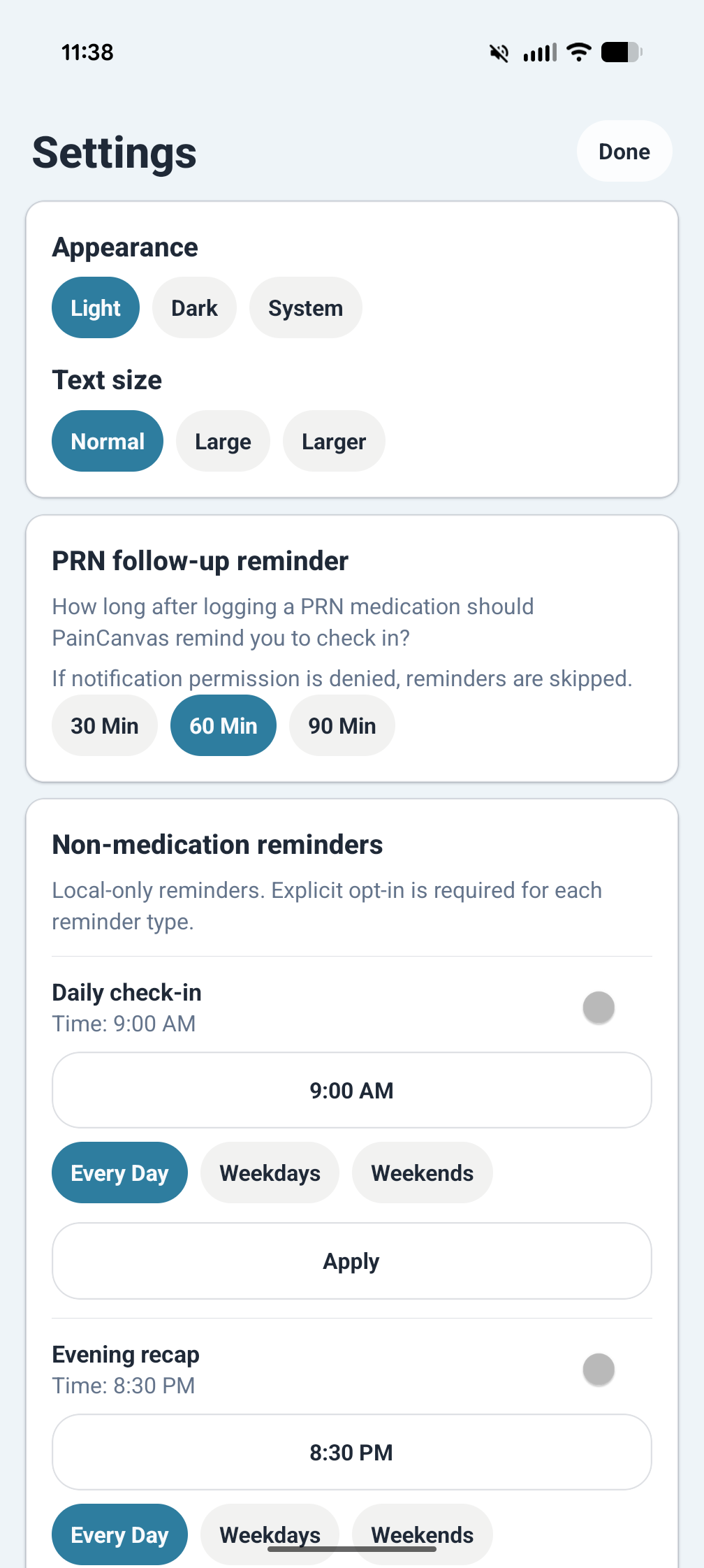
- Follow up reminders after a dose
- Medication history kept alongside pain records
History and Review
Return to the timeline when details start to blur together
The history views are there for recall. You can revisit entries, compare days, and keep long-running issues from turning into disconnected fragments spread across memory, text threads, and appointment notes.
- Chronological review of previous entries
- Useful for follow-up visits and personal review
- Built to support flare-oriented tracking over time
- Helps connect symptoms back to treatments and context
Insights and Export
Spot patterns and share data on your terms
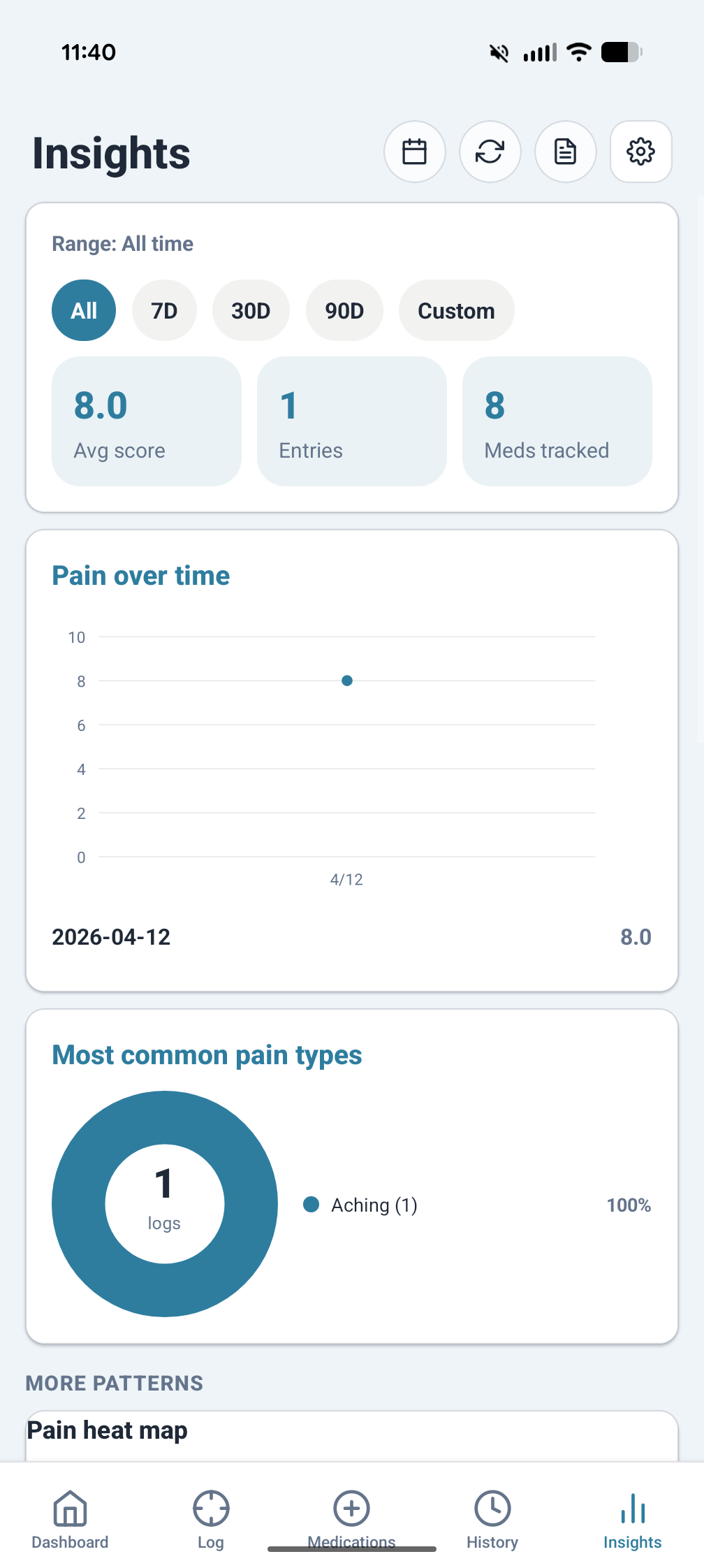
The insights screens turn daily records into trends, comparisons, and drill-down views. When you need to take your data elsewhere for a doctor visit or personal review, exports are available directly inside the app.
- Trend charts and date-range review
- Breakdowns by medication, factor, or region
- Designed for self-review as well as appointments
- Export records without requiring cloud sync